Skip to content
3D experiences Accessibility Let’s talk
ES (Español)

Javier Piedra · Web design and development

The hard part of the web.

Want 3D on your website, but worried it’ll be slow and Google will punish you? Asked whether it meets accessibility law and don’t know what to say? Both can be solved, and neither comes with a template. Start with yours:

See the 3D version

See the 3D version

Relief: MDT25 © Instituto Geográfico Nacional. Water: © OpenStreetMap contributors.

Which one sounds familiar?

Two different problems, with different solutions. Pick yours: its page shows how I solve it, with proof you can open on your phone.

  • You want 3D, but fear it’ll sink your site

    Ceramics, stone, furniture, museums and tourism

    Sounds familiar if…

    • You think 3D is so heavy your site will take forever to load.
    • You’ve been told Google penalises it and you’ll lose visitors.
    • You’ve seen beautiful 3D sites that freeze on a phone.

    It’s built for mobile from the start and measured before delivery: Inside the Frame, a whole 3D room, scores 99–100 for performance on mobile. And Google reads everything that matters, because it’s also in text.

    See 3D experiences
  • You’re asked to meet accessibility law

    Online shops, bookings, services and public bodies

    Sounds familiar if…

    • Someone asks whether your site meets the European Accessibility Act and you don’t know what to say.
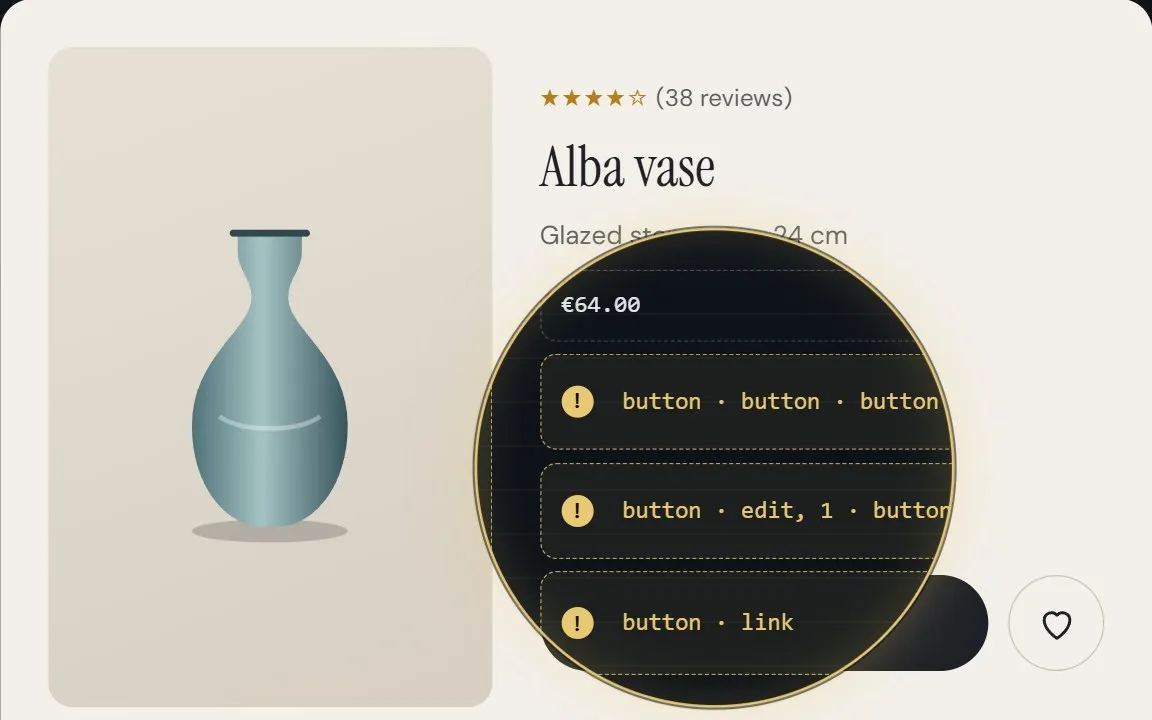
    • Someone tries to buy from you and can’t: a form that won’t work with a keyboard, a button with no name.
    • You’ve been offered a plugin that fixes everything in one click. It doesn’t.

    I audit your site against WCAG 2.2 AA, tell you what fails and who it shuts out, and fix it if you want. With published prices.

    See web accessibility

Both at once? It happens more than you’d think: a 3D catalogue also has to be usable by anyone. Tell me about it

Your questions

What holds you back, solved as standard.

Whether you come for 3D or for accessibility, these four come included.

  • Will it be slow?

    It doesn’t have to be. Only what’s needed is loaded, and it’s measured on a mid-range phone. Inside the Frame, with its 3D room, scores 99–100 for performance on mobile.

  • Will it look right on mobile?

    It’s designed for mobile first and tested at 320 pixels wide and with enlarged text. If something doesn’t fit, it’s rearranged. Not hidden.

  • Can anyone use it?

    With a mouse, a finger, a keyboard or a screen reader. To WCAG 2.2 AA, which covers what the law requires today, and checked by hand, not just with tools.

  • Will Google bury me?

    Google doesn’t look inside 3D: it reads text. So what matters is also in HTML, with its own title and description. The 3D sits on top of the text, not instead of it.

Don’t take my word for it. Try it.

Two live projects of my own and a real accessibility case. Open them on your phone and try the keyboard too.

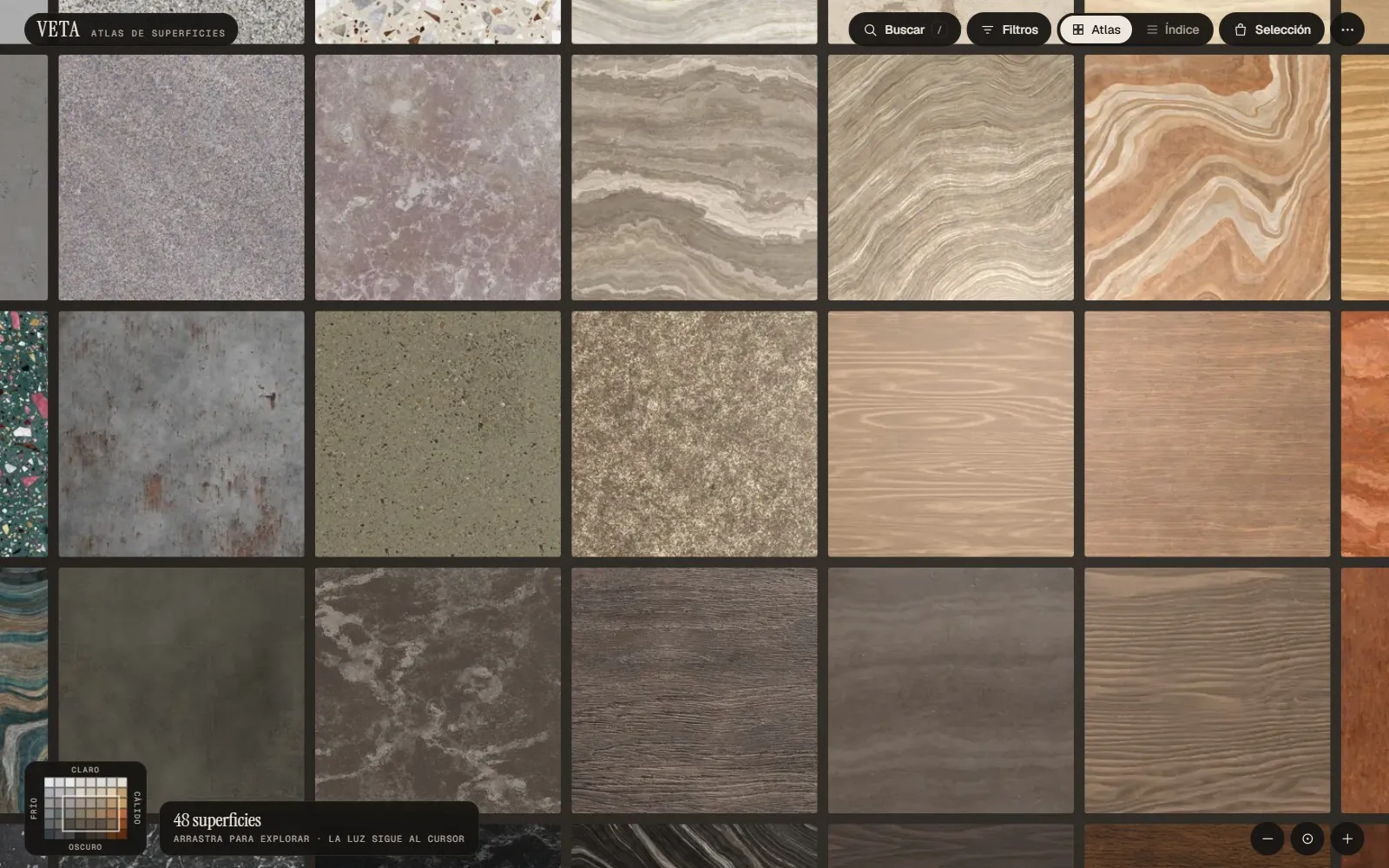
The VETA grid with marble, terrazzo, granite and wood samples arranged by tone.
3D experience · Self-initiated concept

VETA, an atlas of surfaces

For anyone selling surfaces who hears “it looked like a different colour in the photo”. 48 finishes compared by tone and texture, with a moving light to tell polished, matt and textured apart. You choose before ordering samples. And it meets WCAG 2.2 AA: it works with a keyboard and a screen reader.

  • WebGL 2
  • Product catalogue
  • WCAG 2.2 AA
Open VETA (opens in a new tab) Read its accessibility report (in Spanish)
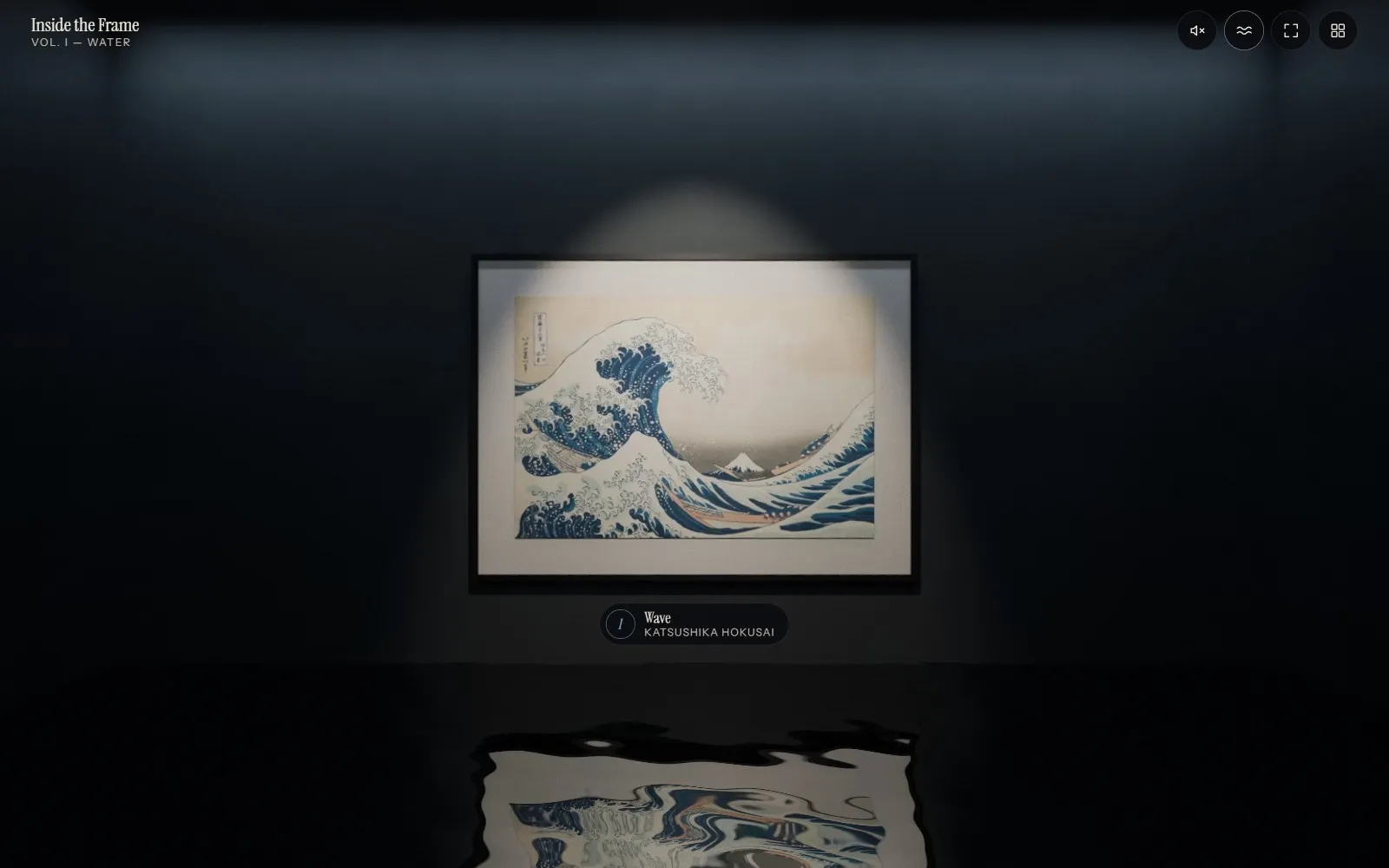
The dark room of Inside the Frame with Hokusai’s Great Wave under a spotlight, reflected in the water on the floor.
Immersive experience · Self-initiated concept

Inside the Frame

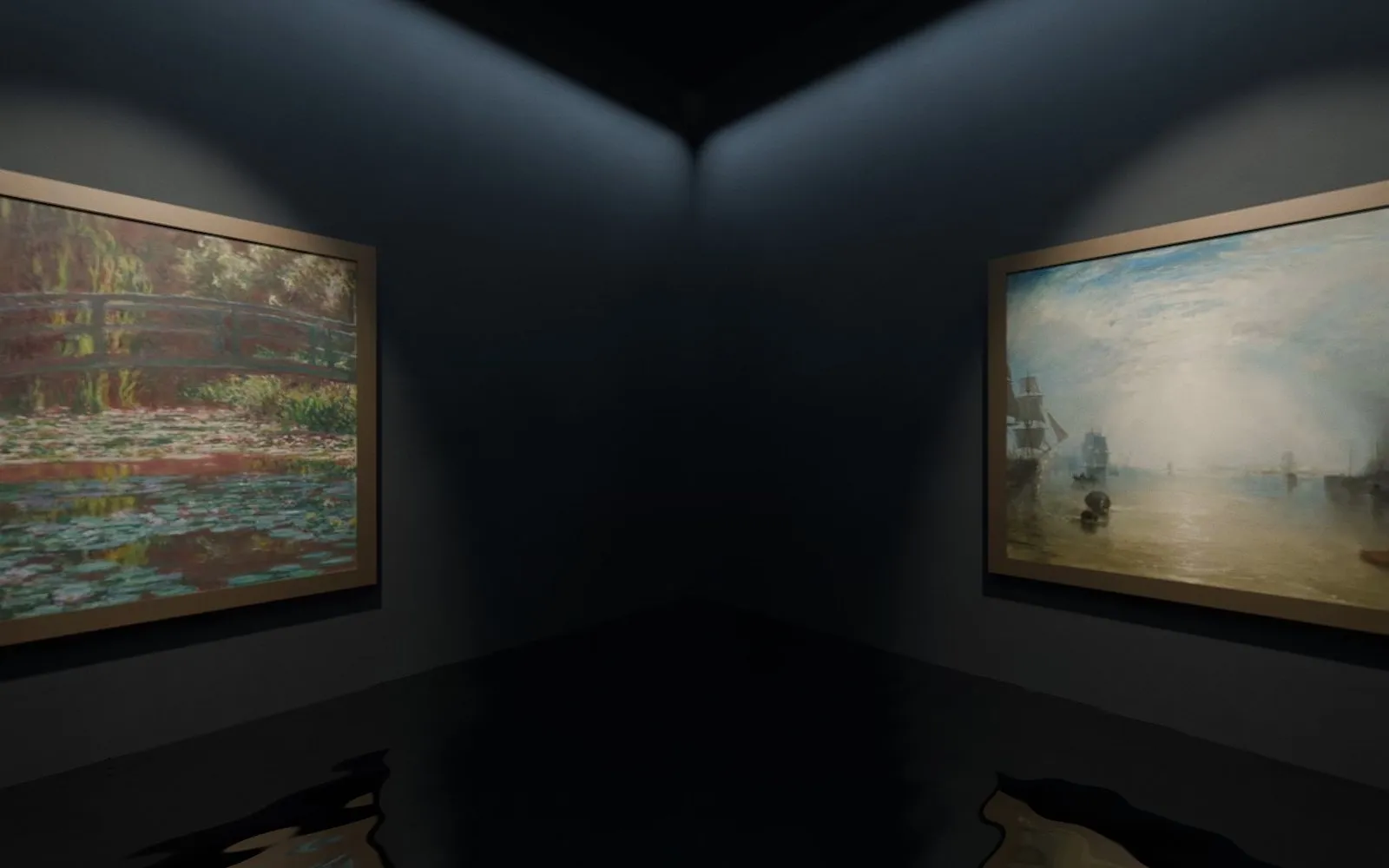
For museums and collections that want to reach people who can’t visit. Four paintings by Hokusai, Hiroshige, Monet and Turner turned into places you can stand in, with optional sound and a written description of every scene for anyone who can’t see it. It meets WCAG 2.2 AA.

  • Immersive 3D
  • Text description
  • WCAG 2.2 AA
Open Inside the Frame (opens in a new tab) Read its accessibility report (in Spanish)
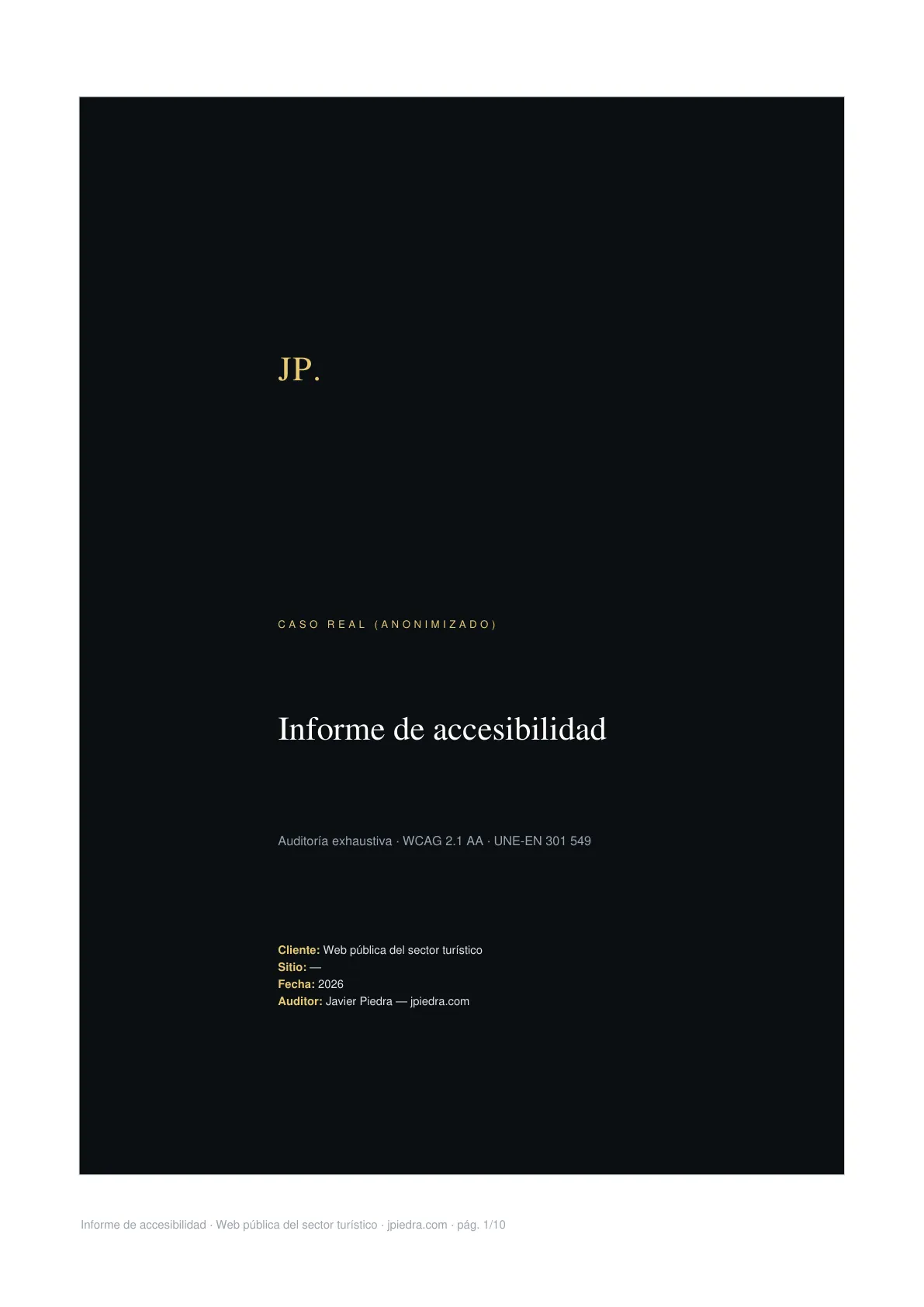
Cover of the accessibility report with Javier Piedra’s branding.
Accessibility · Real case

Auditing a large tourism website

For anyone who needs to know whether their site complies and what’s missing. A large public website with online booking, audited criterion by criterion against WCAG 2.1 AA, by hand and with a real screen reader. The method and what the client receives, no names.

  • WCAG 2.1 AA
  • EN 301 549
  • Screen reader
See the case (opens in a new tab)

You talk to the person who builds it.

No salespeople, no middlemen: I design it, code it and test it. If something breaks, there’s nobody to pass the buck to.

I come from a degree in Surveying Engineering and from working in factories. Two habits came with me that show in your website: measuring everything, and not calling anything done until I’ve seen it work outside the designer’s screen.

That’s why I test on mid-range phones, not just mine, with keyboard and screen reader, and I show you the numbers. And it’s why, before auditing anyone else’s site, I audited my own.

If you’ve got something like that on your hands, let’s talk.

The road so far

  1. Surveying Surveying engineering: measuring, calculating and being precise.
  2. Factory Factory labourer: seeing how things really work.
  3. Web development Bringing technical precision together with solving practical problems.
  4. Today 3D experiences and accessibility: the hard part of the web.
The real terrain profile, from Spain’s MDT25 elevation model: 6.7 km and 1,238 m of ascent. My own path has been uphill too.
CONTACT

Got something hard on your hands?

Tell me what you have and what worries you: that it’s slow, that it doesn’t show up on Google, that you’ve been told to meet the law, or that your product falls flat in photos. I’ll tell you whether I can help and how. No strings attached, no PowerPoints, no smoke.

I get back to you in under 24 hours. Business days.

Available for new projects